

AI Image Editing
85% of buyers judge a property by its photos before making first contact. Are you ready?
Watch the AI edit real property photos
Real before and after: new decor, a sunny sky, professional lighting, a refreshed pool and clutter-free rooms, all from the original photo.
Get free credits to try it out
Edit your property photos with AI in seconds.
Turn ordinary photos into professional images. With 1 credit you apply up to 5 AI effects to the same photo and download it ready to publish.
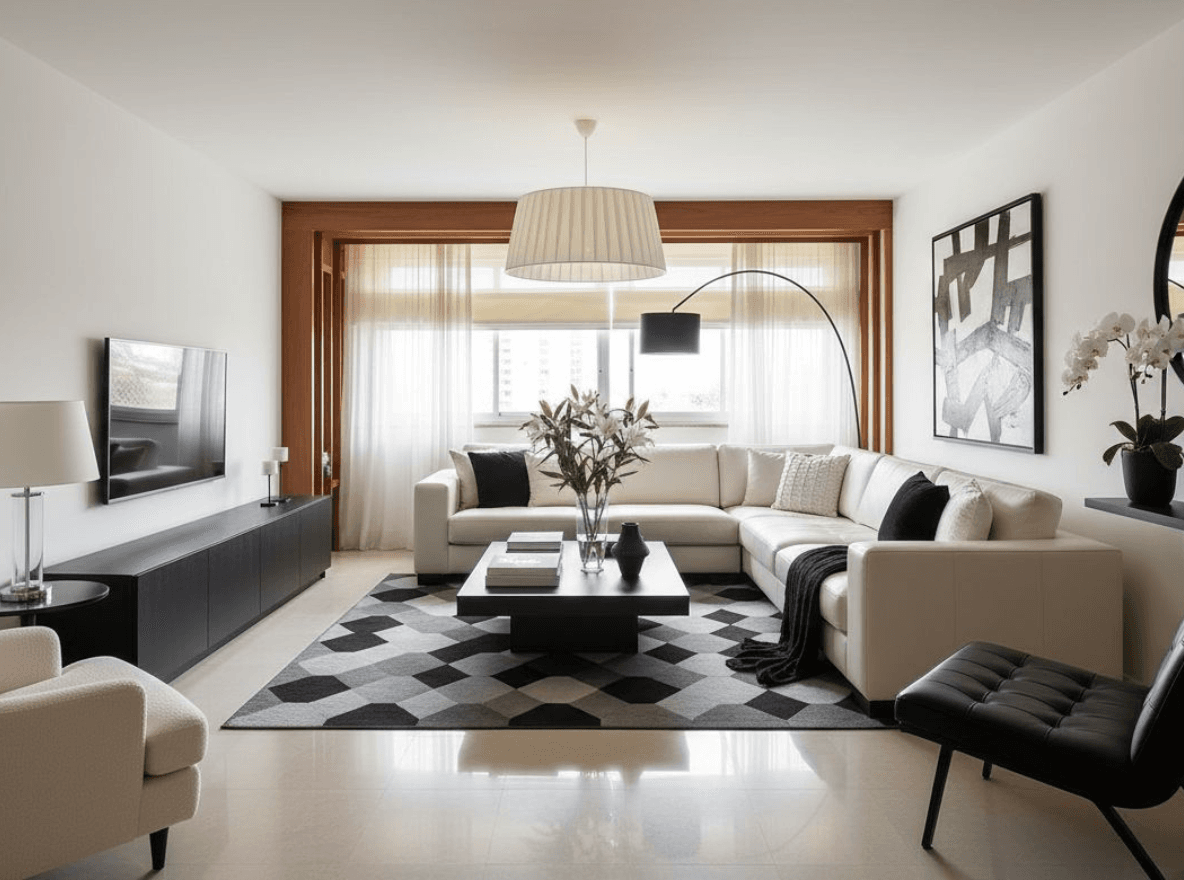
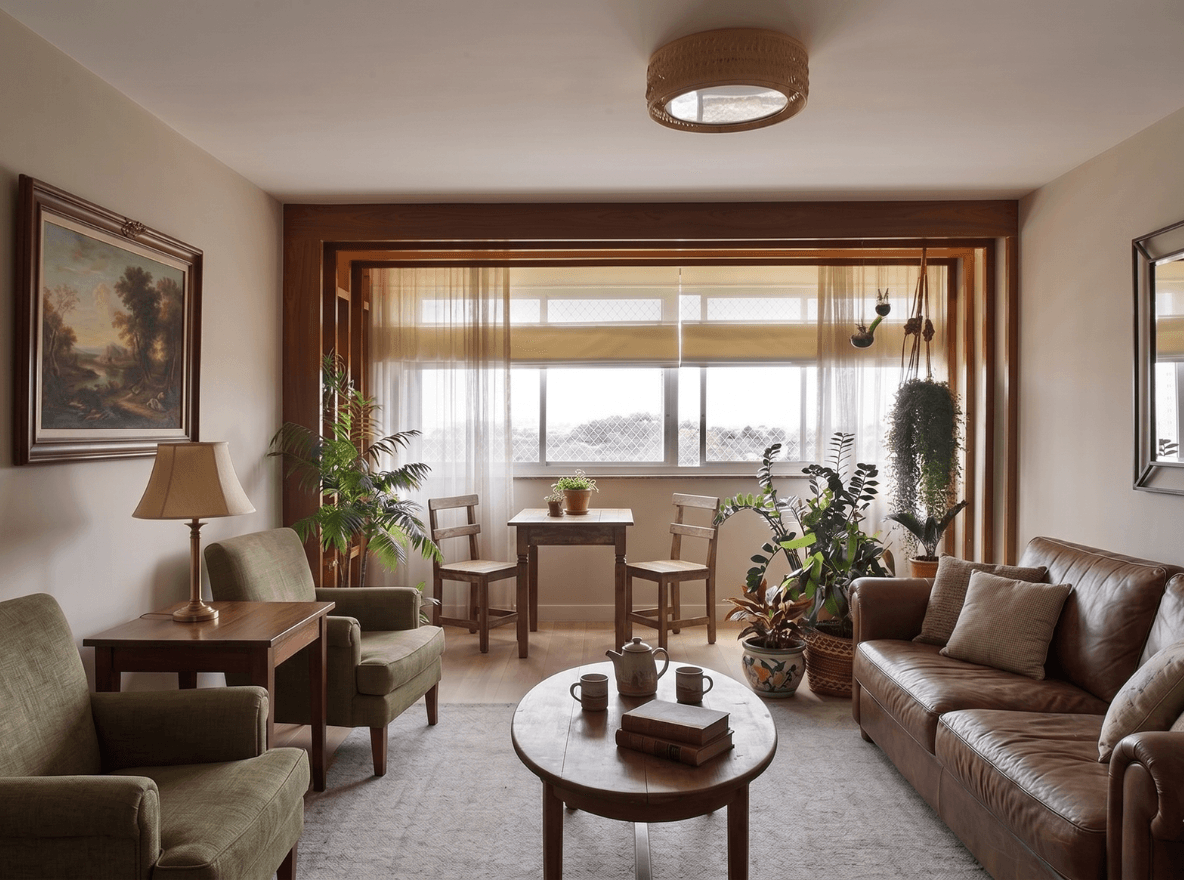
Virtual Staging
Applies Virtual Staging to the property: decorates empty rooms or replaces old furniture with modern decor. Adds value, brings a modern feel and sparks the desire to live there.
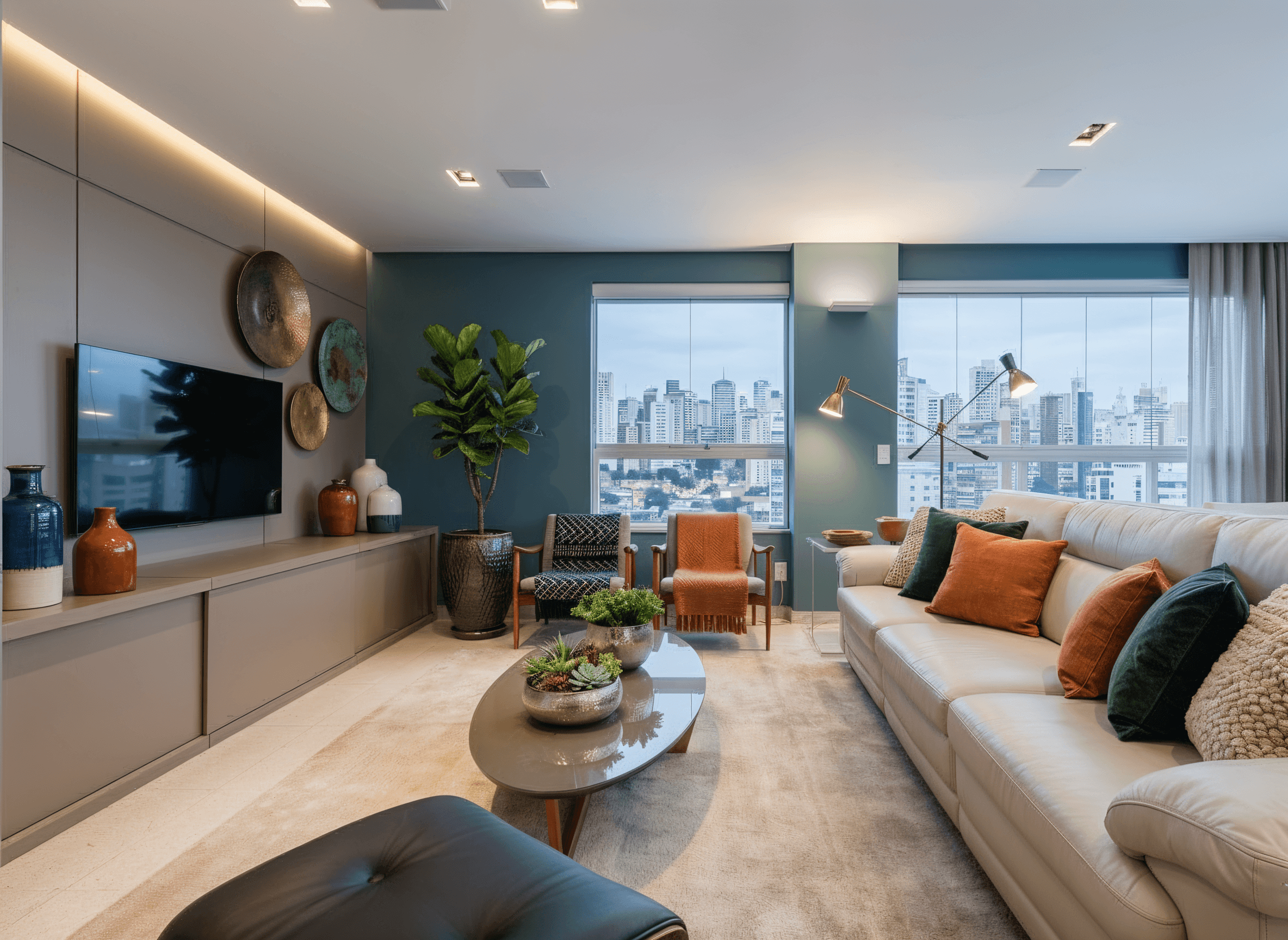
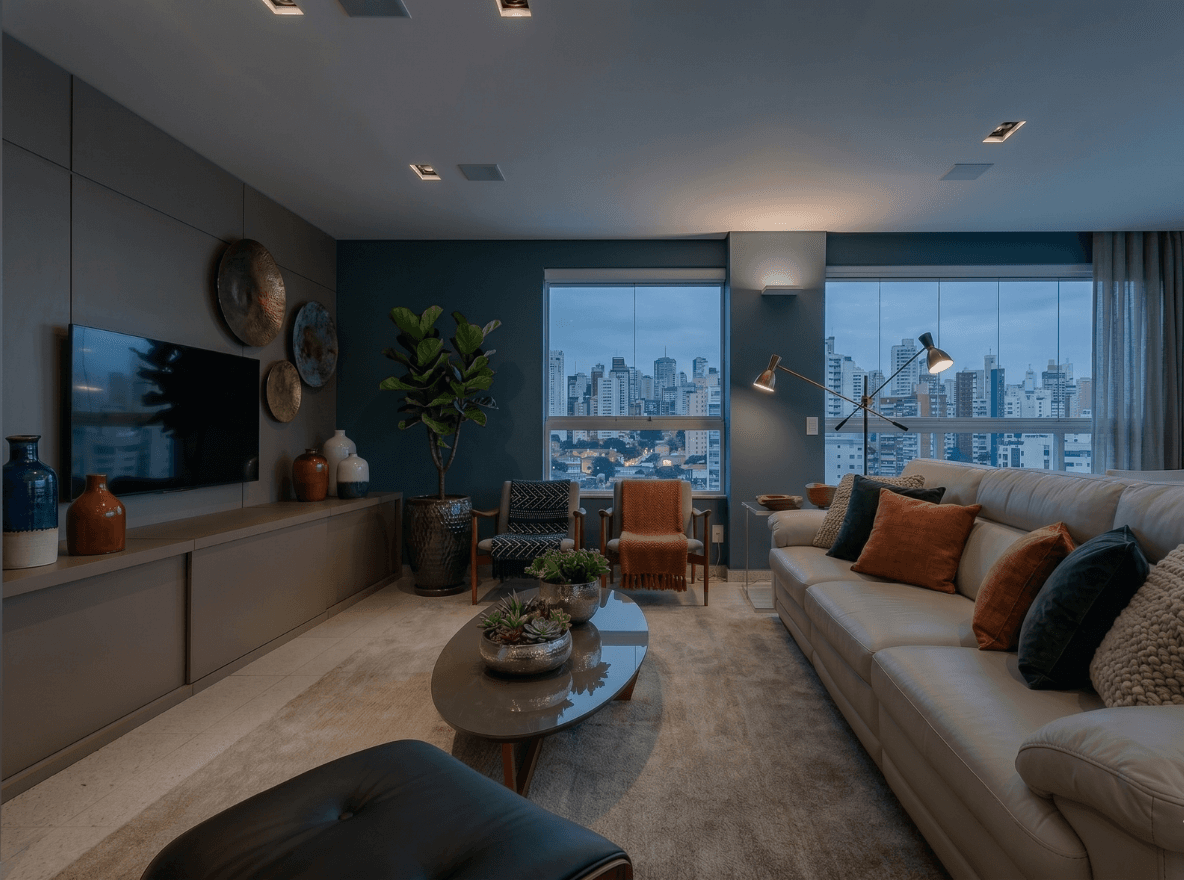
Relighting
Professional lighting that enhances every room. Brighter, more spacious interiors and sunny-looking exteriors: the kind of photo that makes buyers stop and look.


Replace Sky
Swaps the photo's sky for a sunny day or a late-afternoon sunset. The facade comes to life and the property sparks the desire to live there.
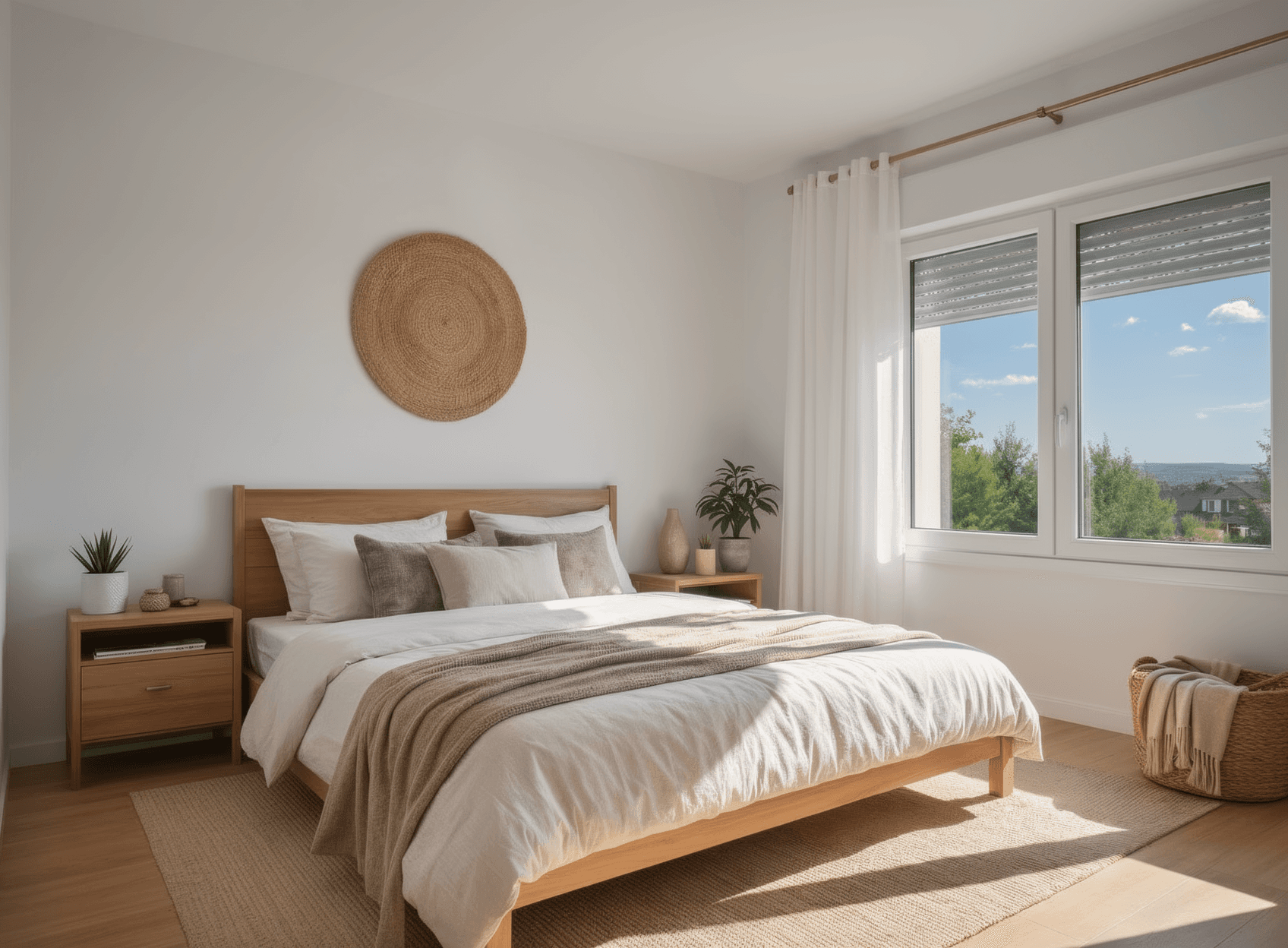
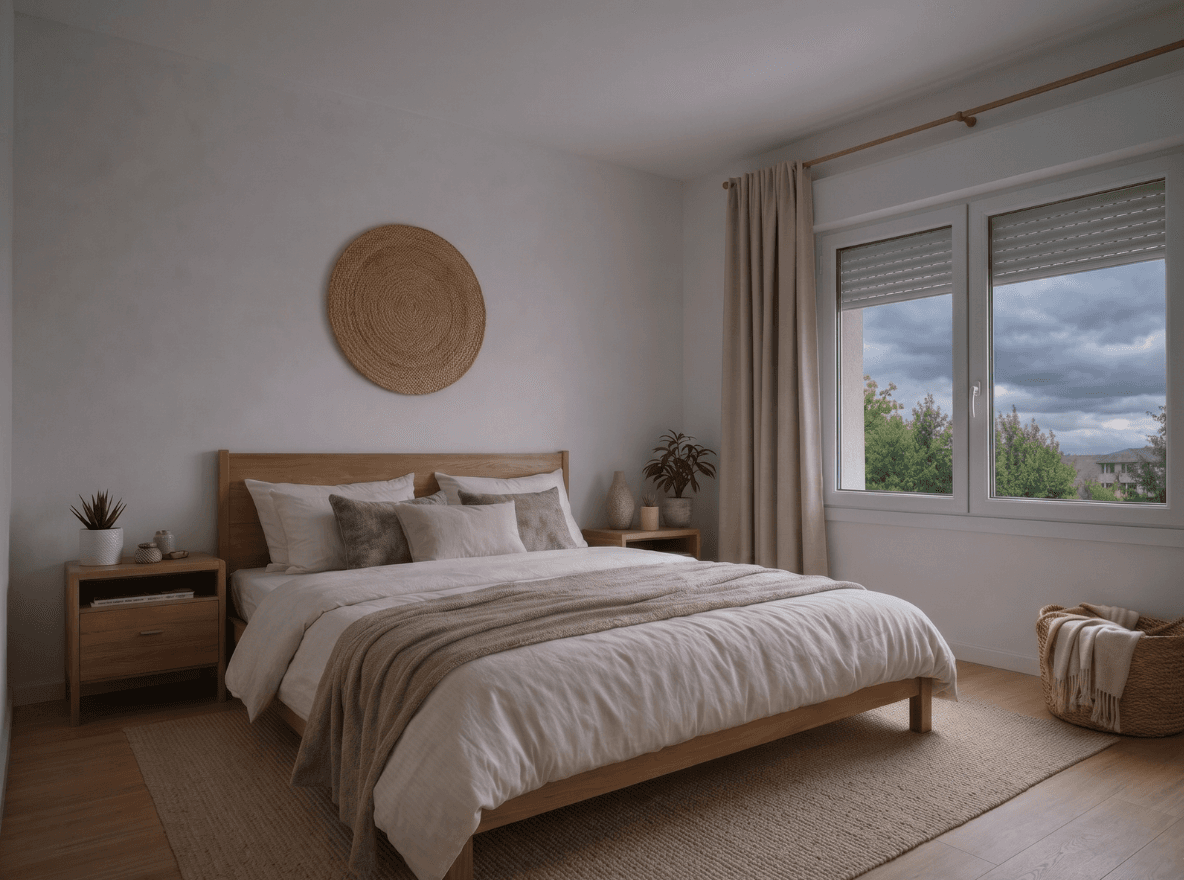
Natural Window Light
Adds sunlight coming through the windows and enhances the interior with natural, cozier and more attractive lighting.


Enhance Pool
Makes the pool water crystal clear, blue and inviting. A leisure area that sells on its own and adds value to the whole property.


Remove Objects
Tidies up the space by removing old furniture, cables, dirt, cars, people or any unwanted item. The photo looks professional, without that amateur feel.
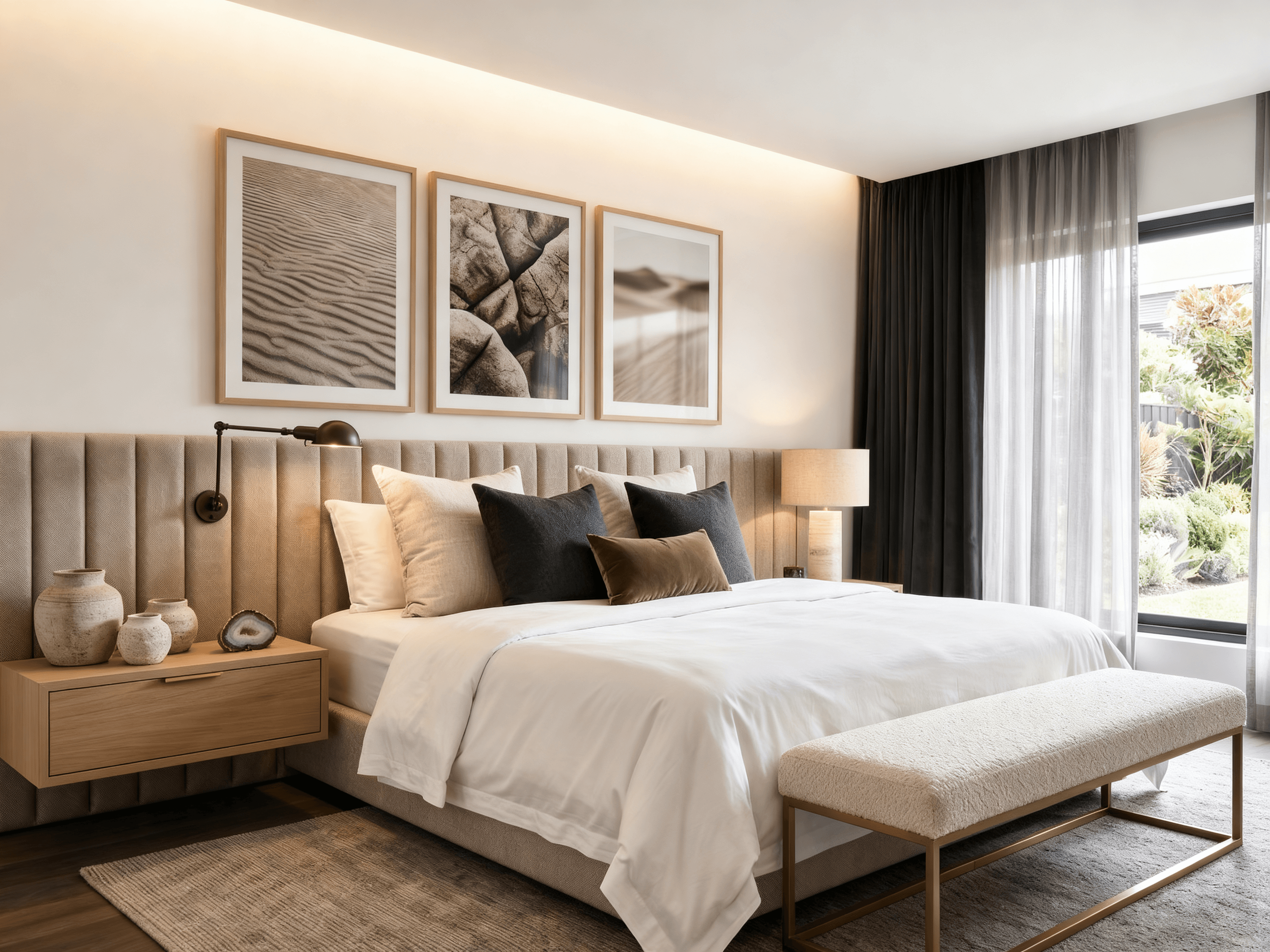
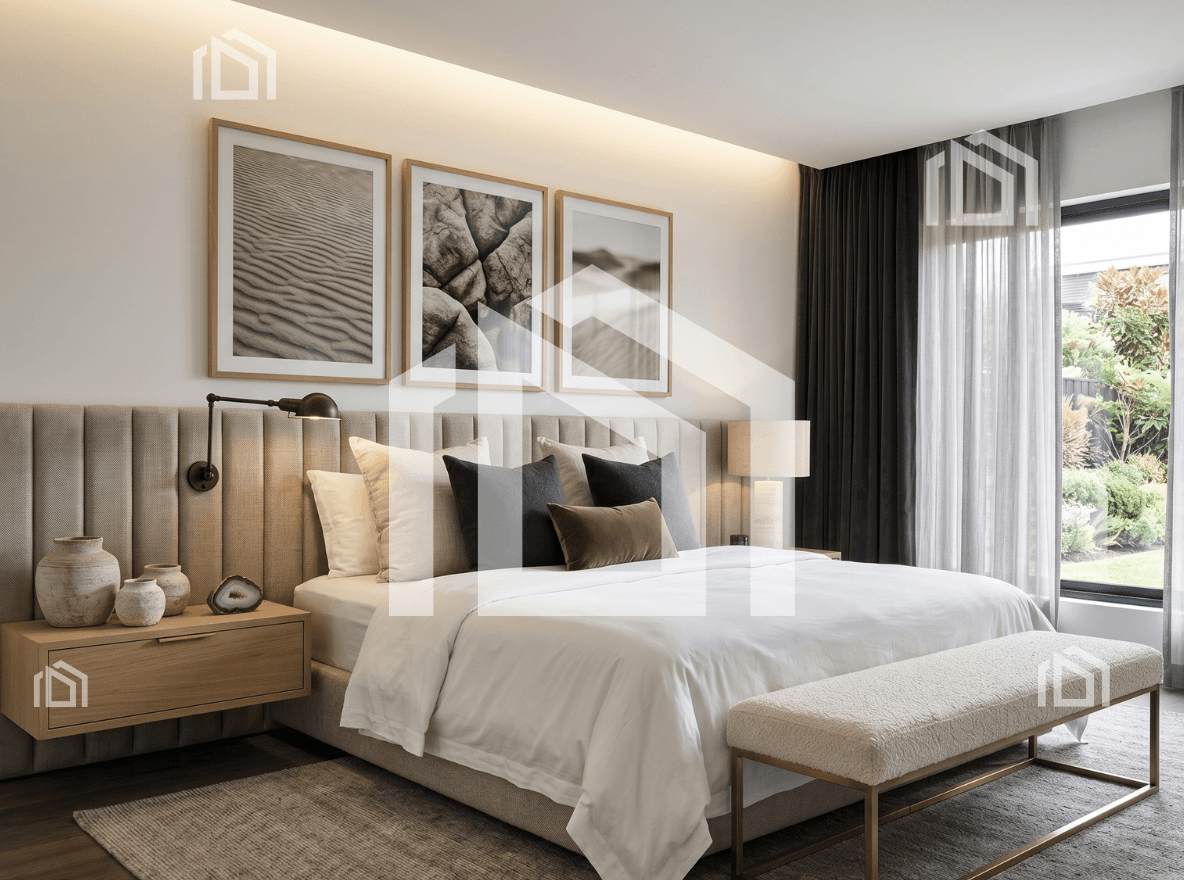
Remove Watermark
Removes watermarks, logos or text over the photo. A clean, exclusive image for your listing, with no visual competition.
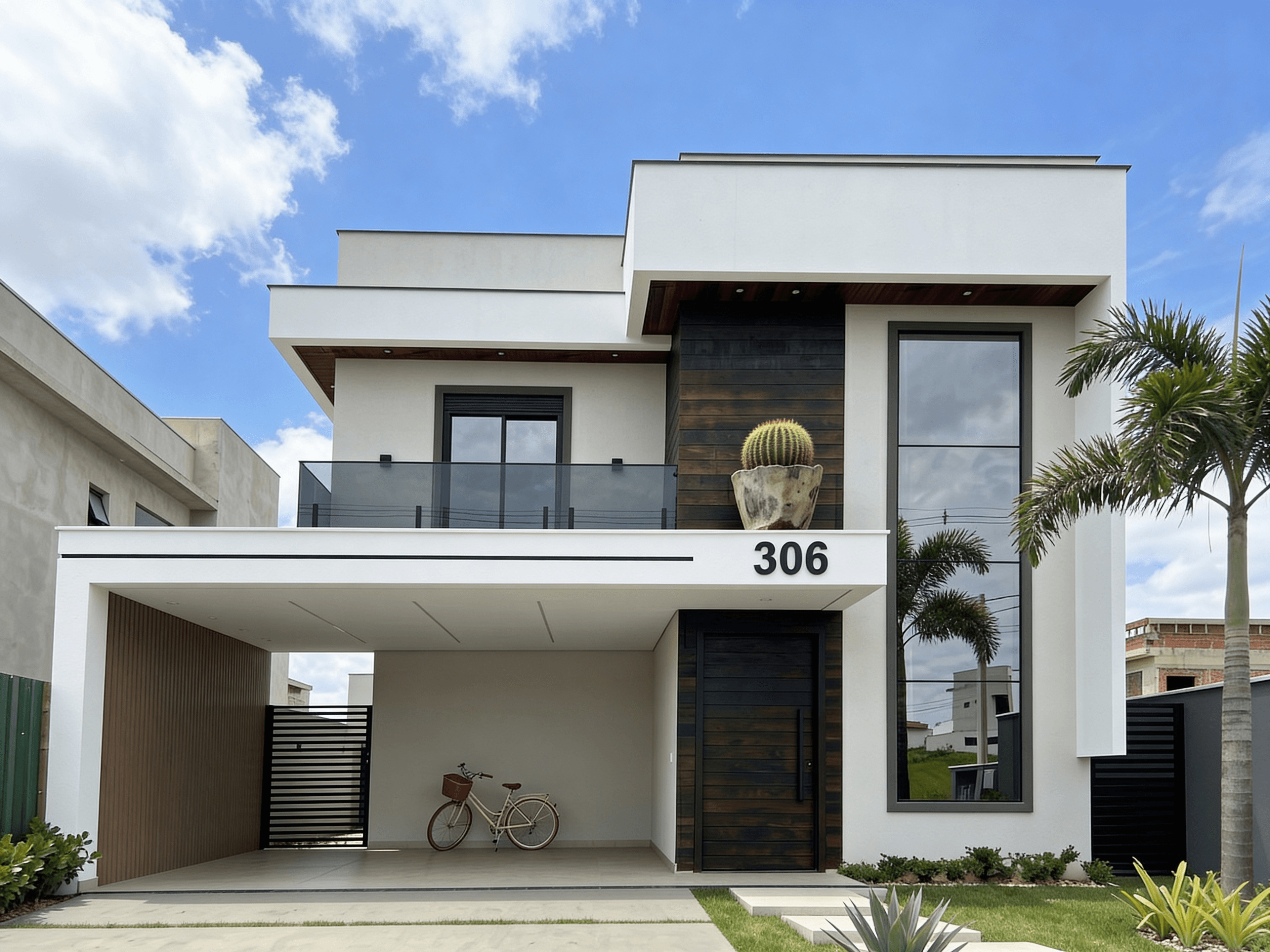
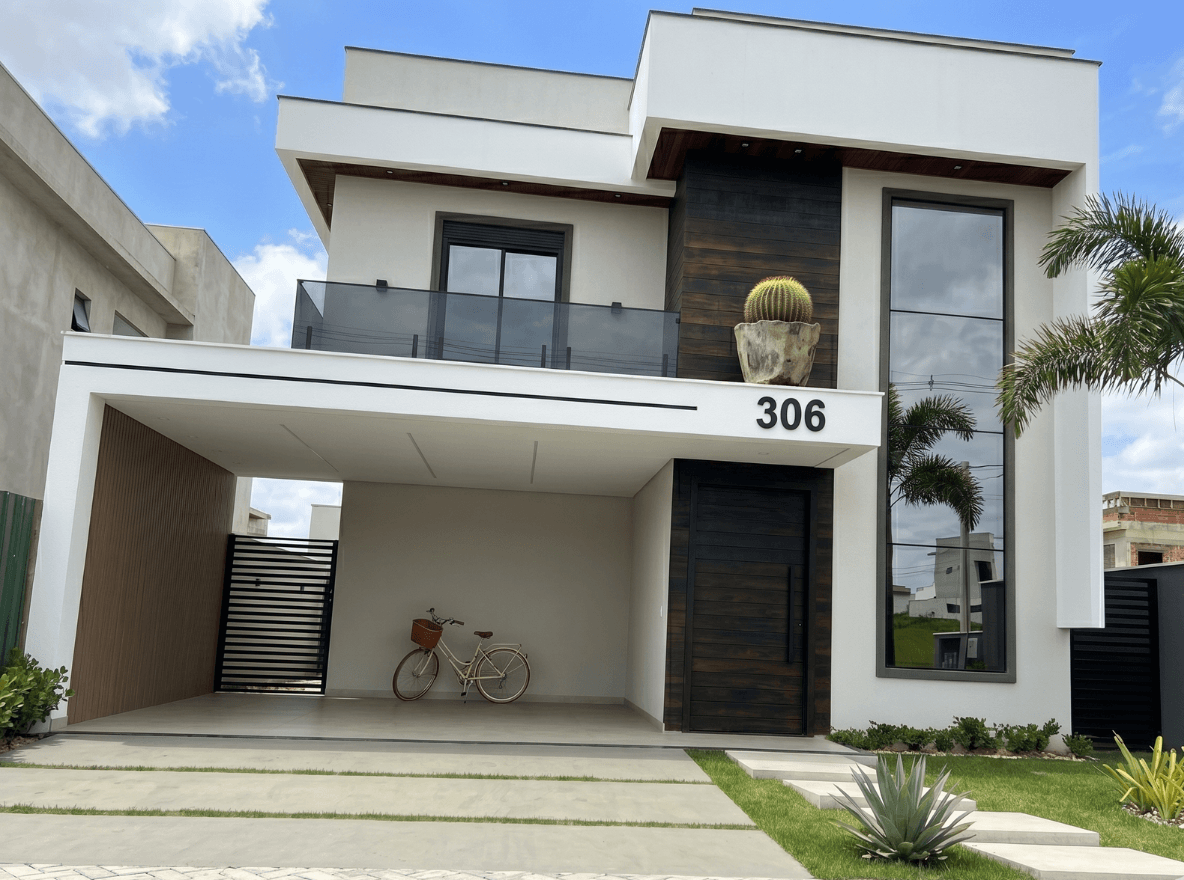
Fix Perspective
Straightens crooked, tilted or off-angle photos. Ideal for facades: the photo gets a professional look with correct proportions.


Empty Room
Removes furniture, objects and decor from the room, keeping only built-ins to preserve the property's character. Shows the space free, wide and with its real potential for the buyer.
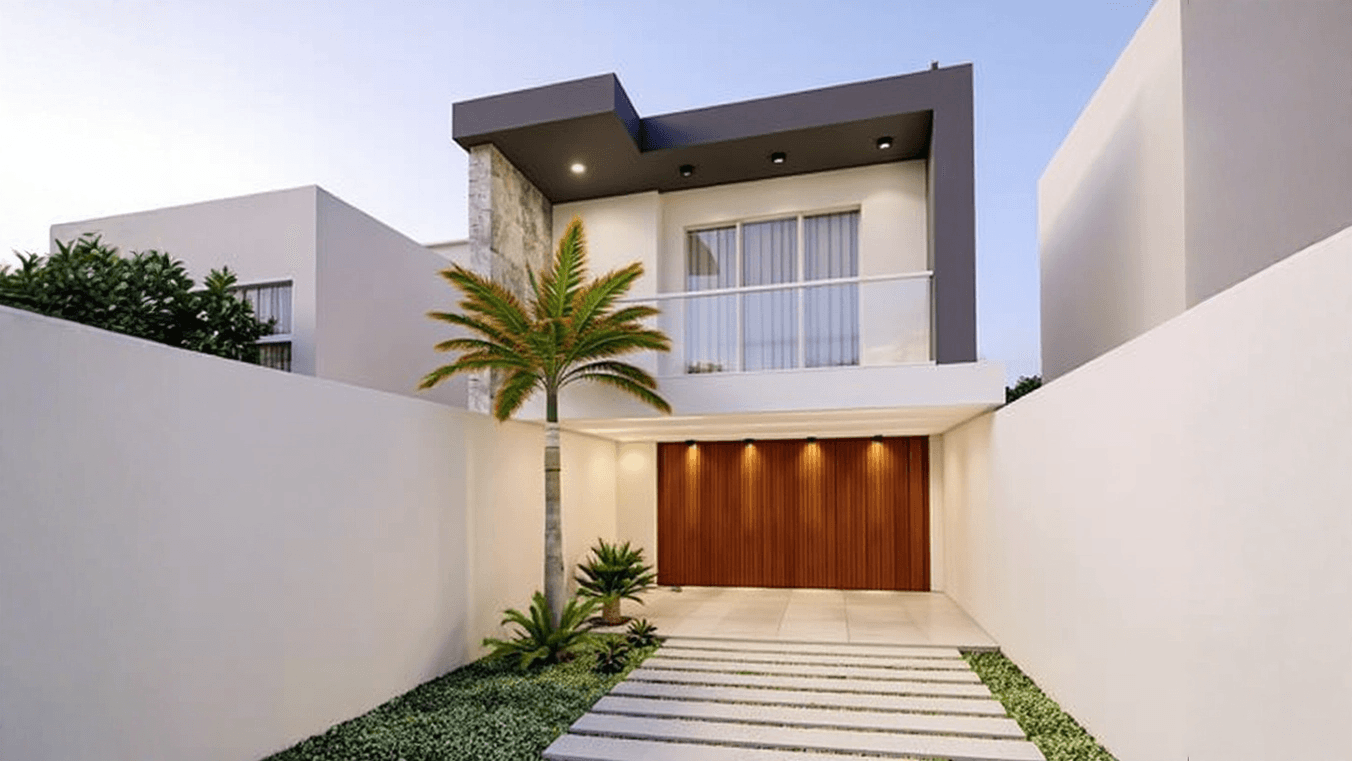
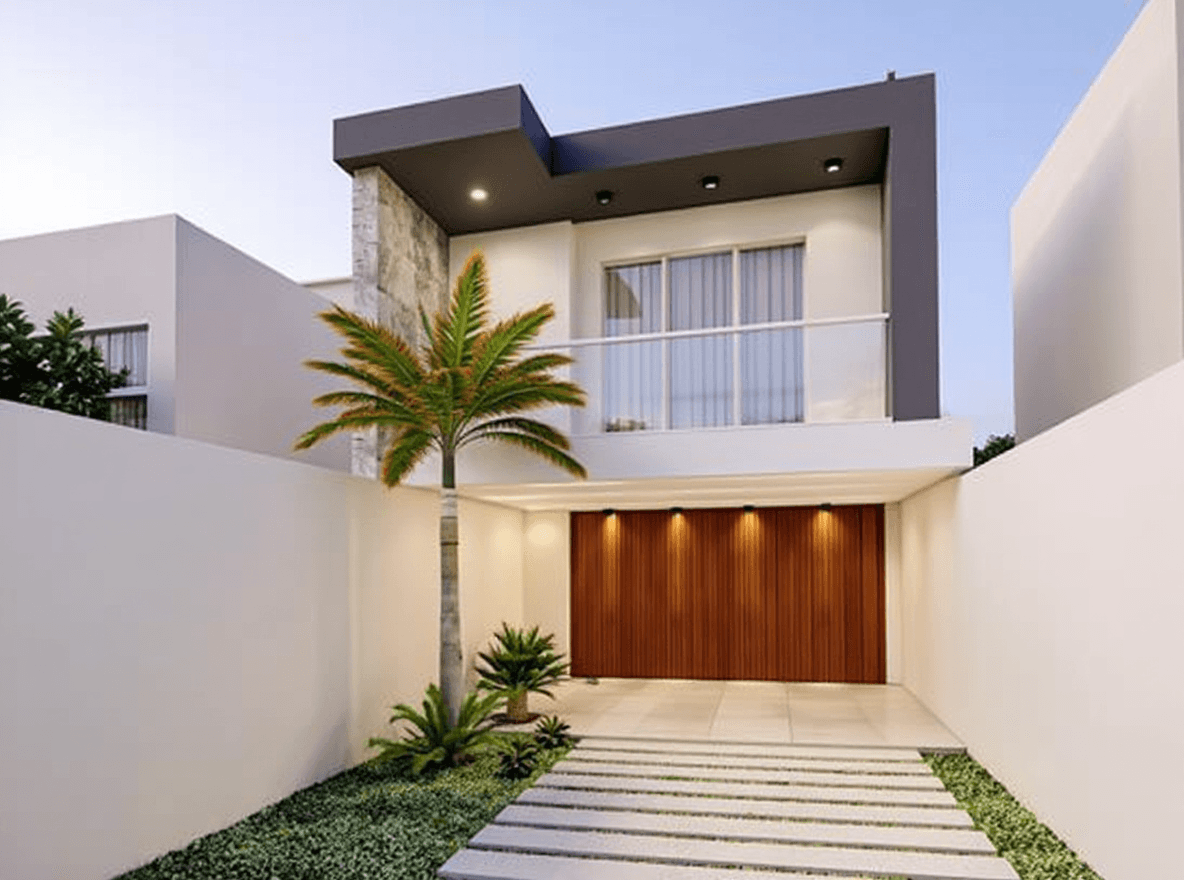
Expand Room
Widens the framing and gives the room a greater sense of space. Adapts the same photo for feed, reels, stories and any social format without distorting the property.
Try it with free credits
Choose the decor that adds the most value to the property.
Decorate or furnish with Virtual Staging and increase the number of scheduled visits. Pick a style and done.
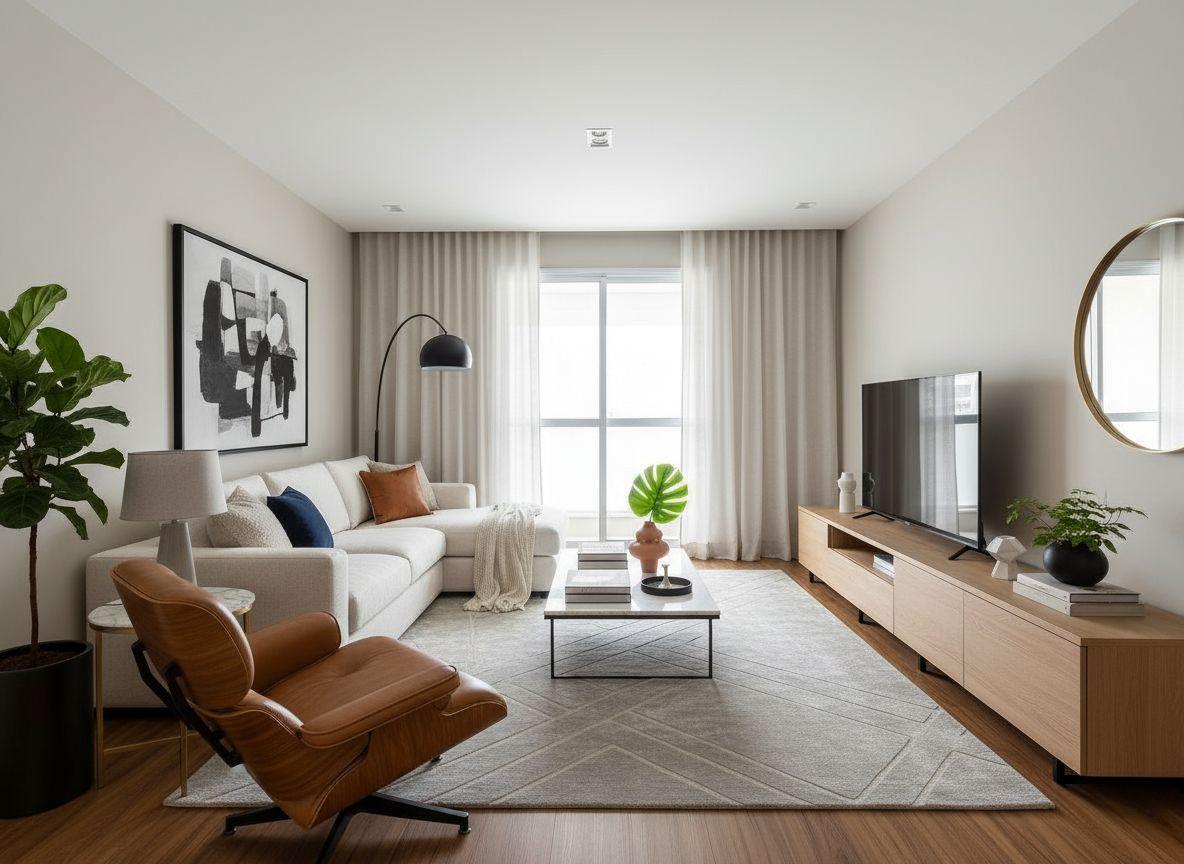
Modern

Scandinavian
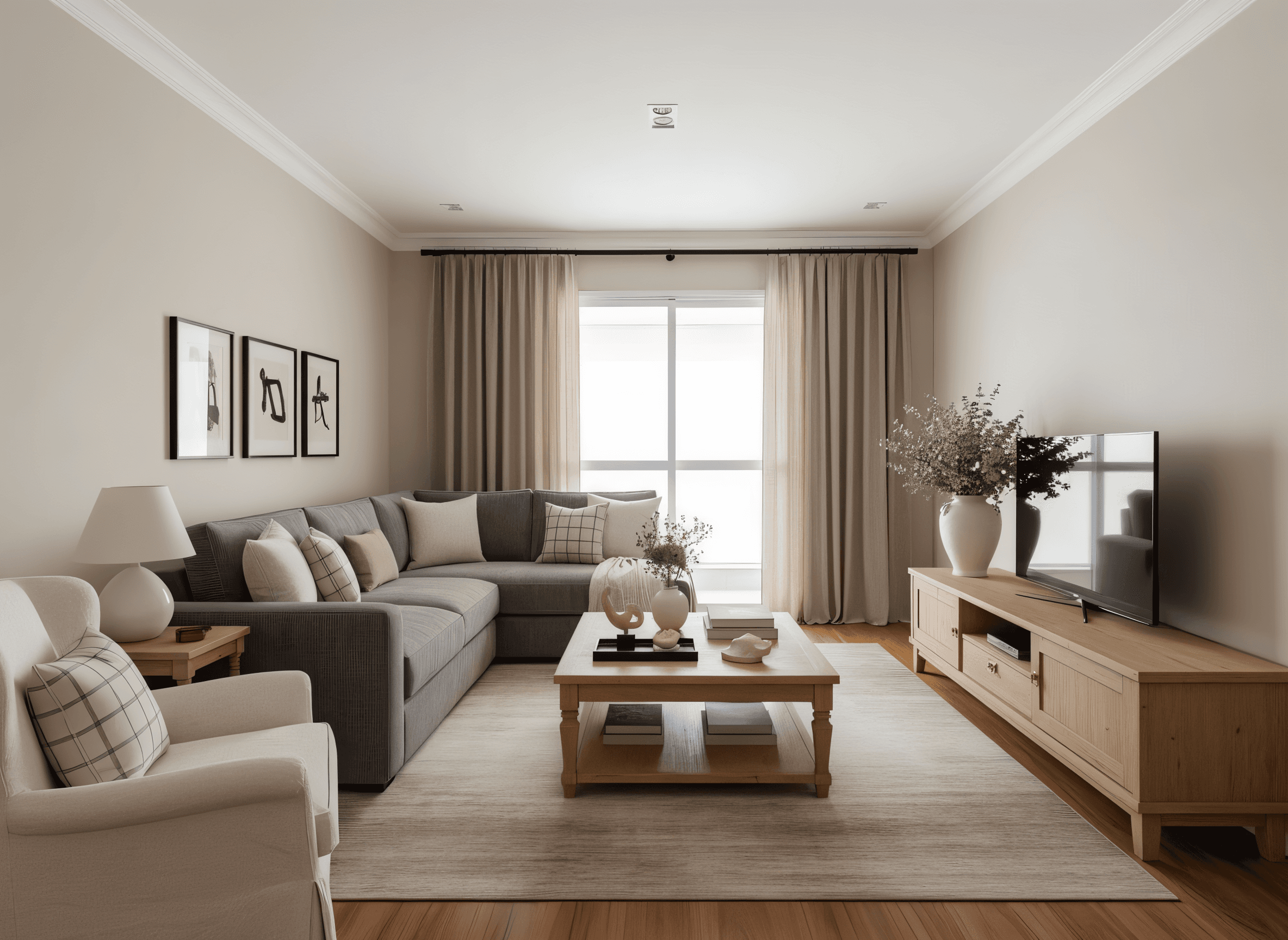
Transitional
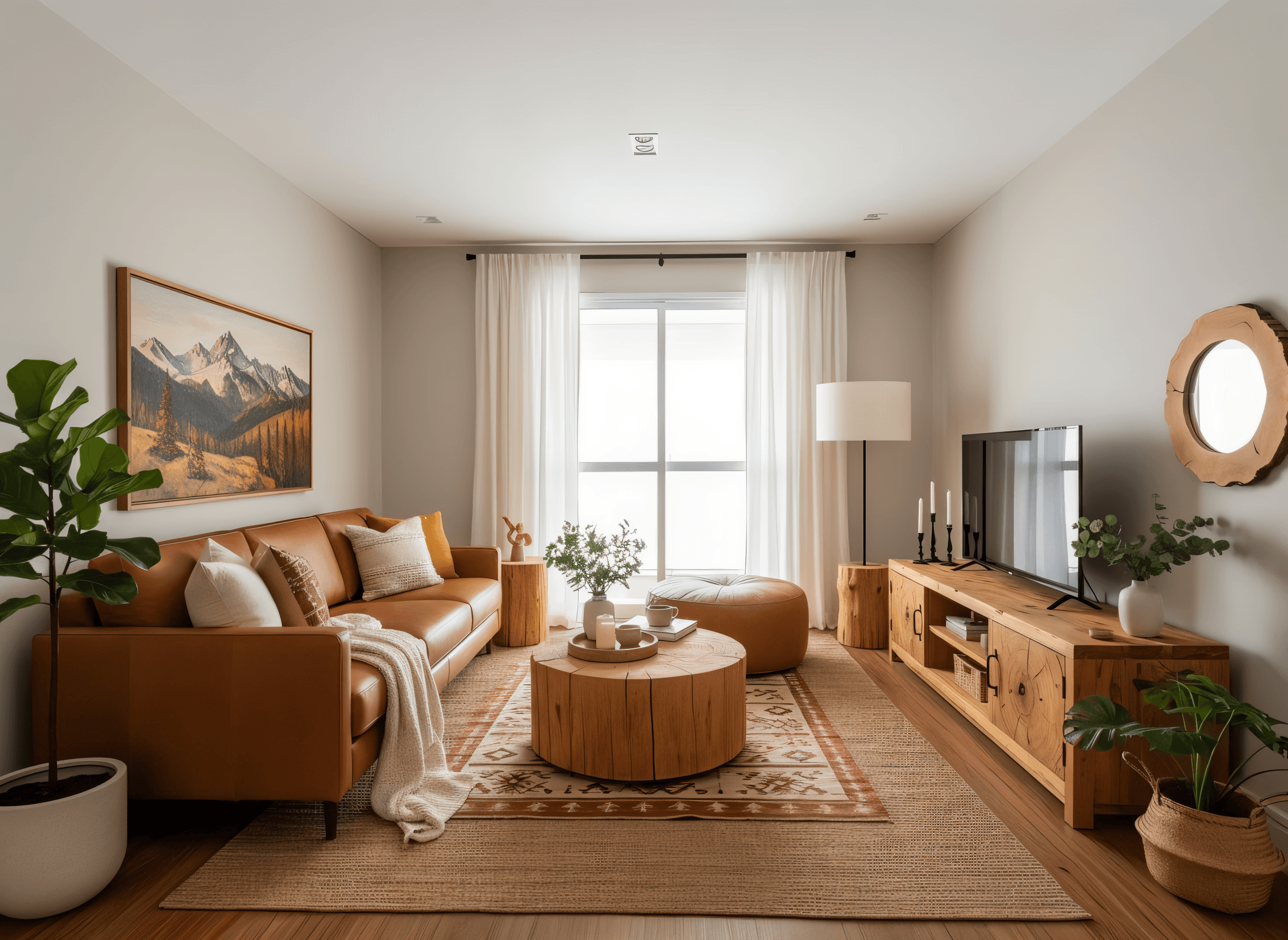
Rustic
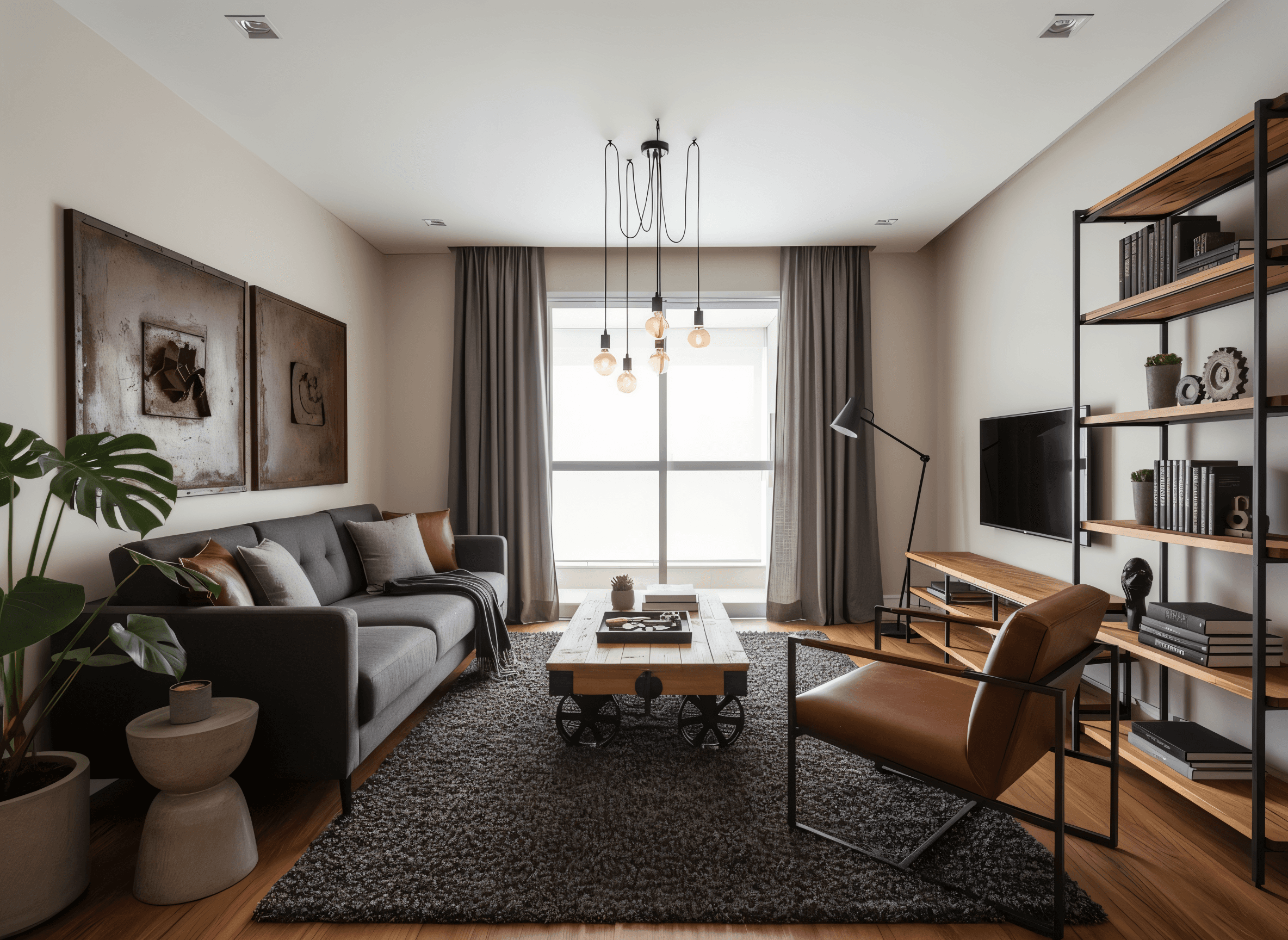
Urban Industrial
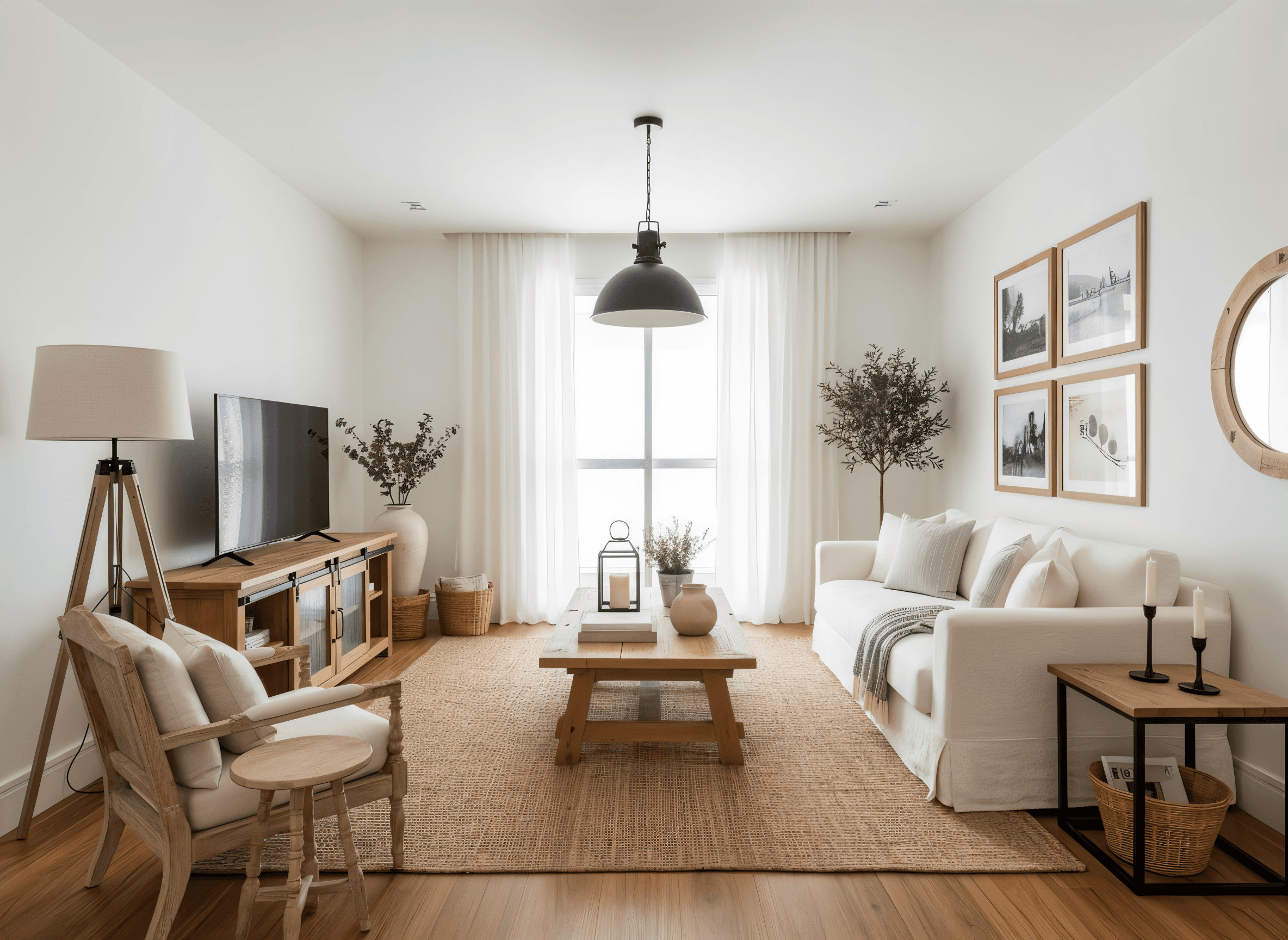
Farmhouse
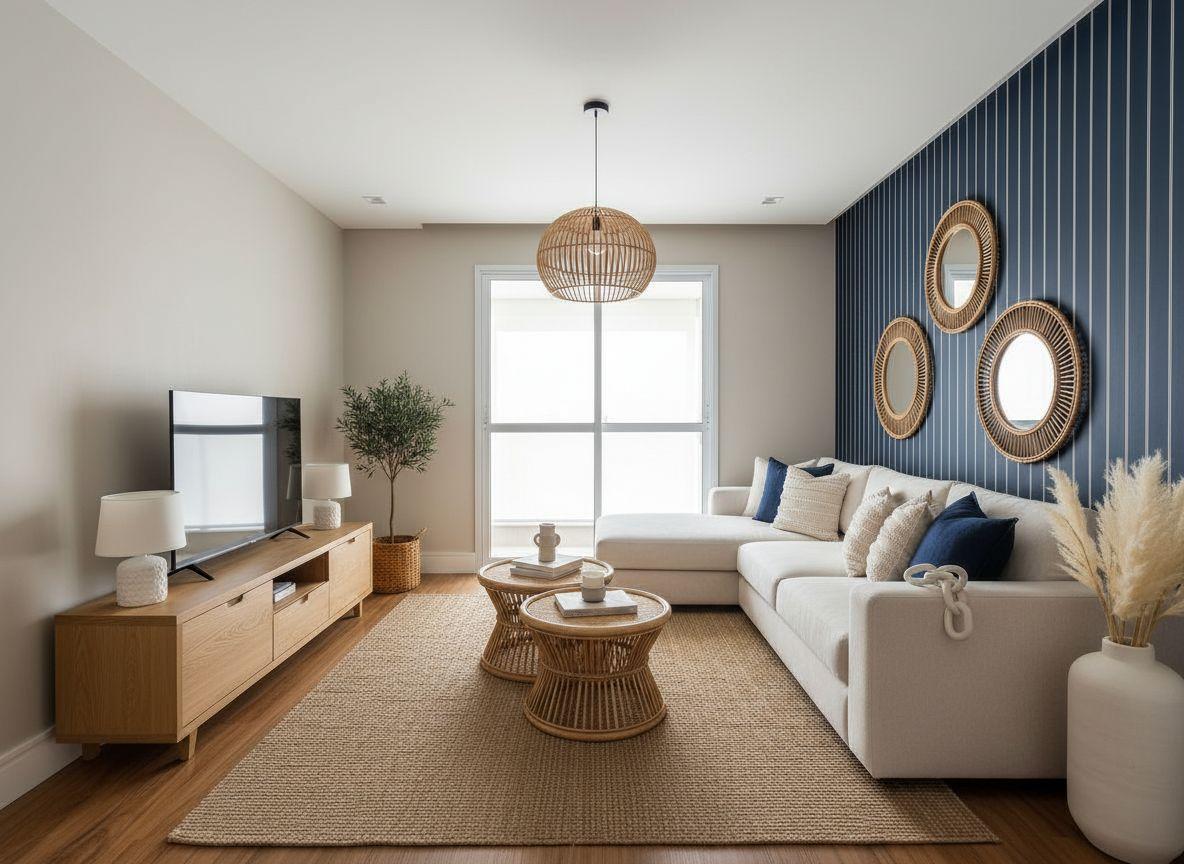
Coastal
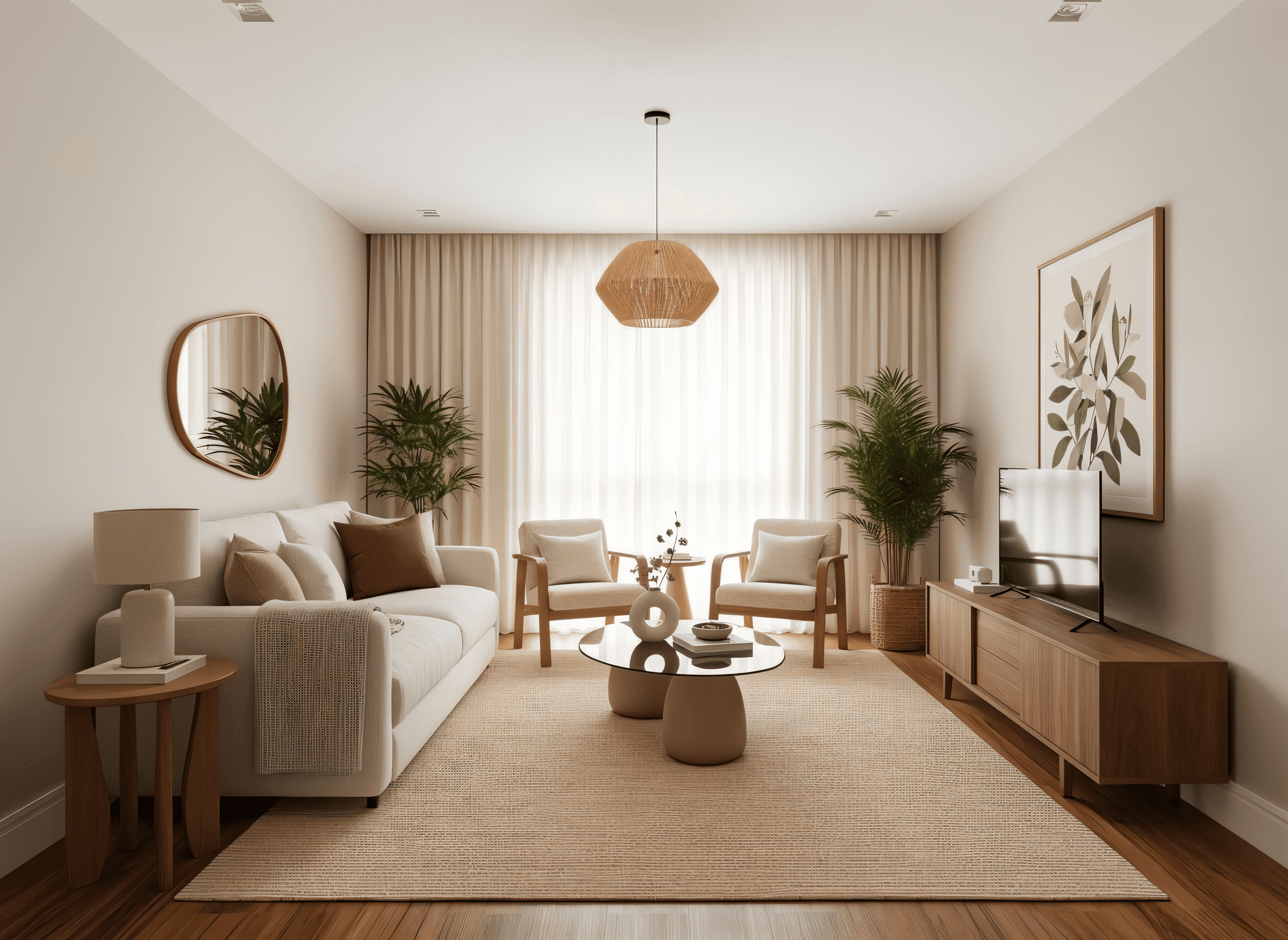
Neutral

Luxury
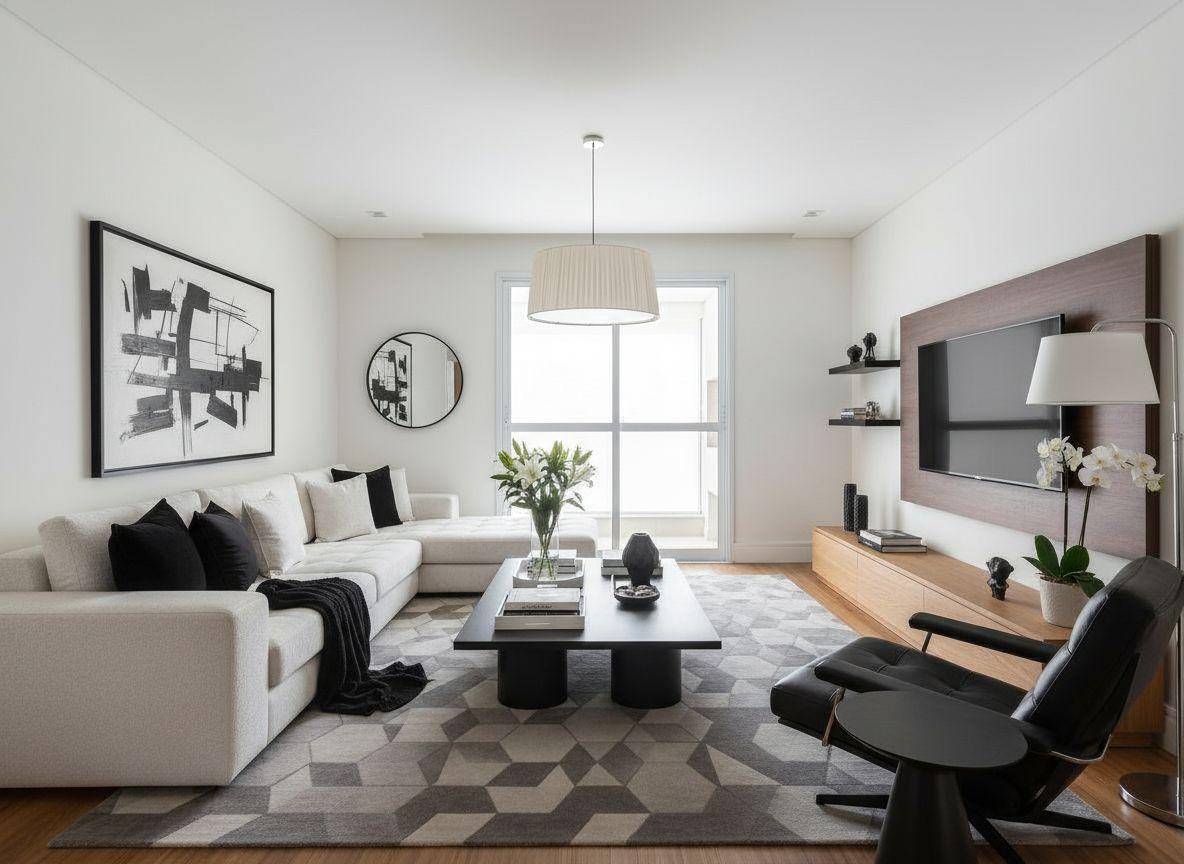
B&W Modern
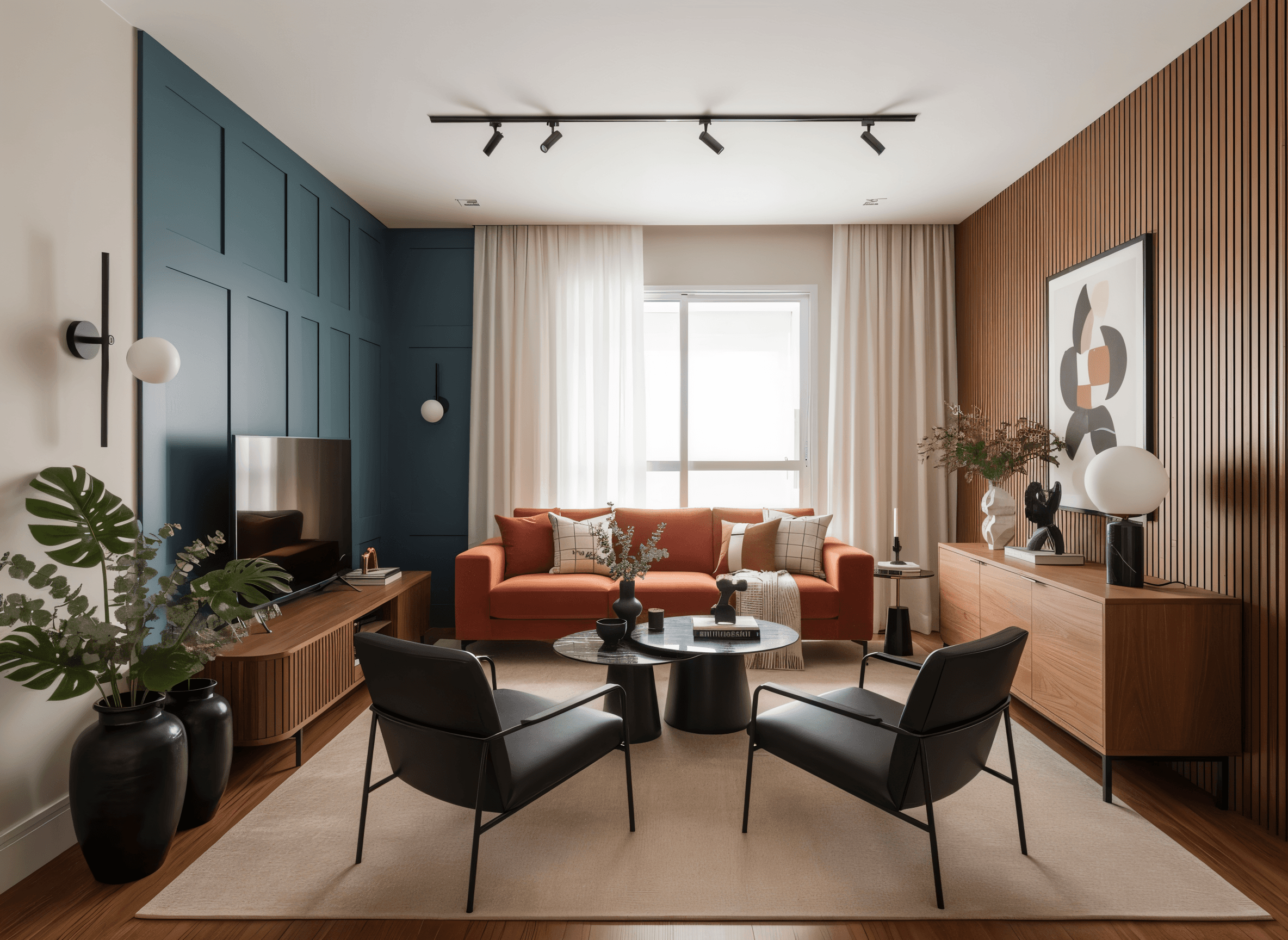
Contemporary
How it works
No photographer, no tripod, no complicated editor: any property photo works, taken on the spot or saved in your gallery. Upload it through the app or right in your browser and Imovely delivers professional images in seconds.
- 1
Use any property photo
Shoot with your phone or use images you already have: any photo of the property works.
- 2
Upload the images
Upload through the Imovely app or right in your browser, in a few clicks.
- 3
Pick the effects
Choose up to 5 AI effects per photo with 1 credit and apply them in one click.
- 4
Download in high resolution
Download your images in 4K, one by one or all at once, or post them straight to Instagram.
Create your account in a few minutes
Why is Imovely different from the rest?
4 in 1
From simple phone photos, you generate professional images, create videos for social media, build a virtual tour for clients to explore and write a property description that brings in more contacts.
No made-up changes
Over 75% of image editing platforms invent scenery or change the property's architecture. Imovely's editing is 99% accurate: the property in the photo stays the real property.
4K high resolution
Every edited image comes out in 4K high definition, even photos taken on a phone. Professional-grade sharpness and detail for your listing.
Add your logo and watermark
Apply your logo, a watermark or your own text right in the editor and protect your images, videos and virtual tours. If your material travels, your brand goes with it.
AI effects
On other platforms, every effect costs 1 credit. On Imovely, 1 image credit covers up to 5 AI effects on the same photo, and the AI generates it all in one go.
App
Download the Imovely app on Android or iPhone. Take your photos on your phone and upload them right from the app. In a few clicks you get professional images, videos and virtual tours.
Results analytics
Track how your videos and virtual tours perform. See how many different people viewed them, how many contacts came in by WhatsApp, phone or email, the average watch time of each video and how many rooms were visited in each virtual tour.
Per-agent accounts for agencies
Split the team's credits evenly or based on each agent's usage and follow the credit statement and usage ranking, all in one place. Each agent gets individual access and manages the materials for their own properties.
Automatic Instagram posting
Connect your Instagram and post photos, carousels and videos to the feed, Reels and Stories without leaving Imovely. Schedule up to 30 days ahead and let AI write the caption.
Your first credits are on us
Frequently asked questions


 +500 use Imovely